

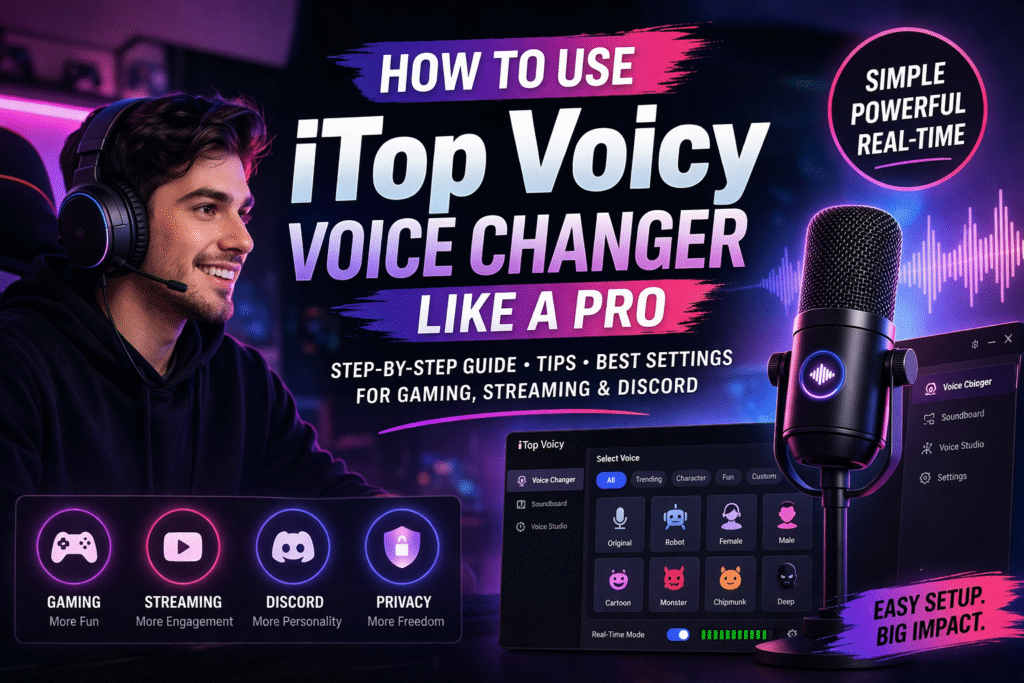
In online gaming, streaming, and virtual communication, your voice can either help you stand out or make you blend in with everyone else. Many users try voice changers, but most fail to get good results due to poor setup or unrealistic expectations.
That’s where iTop Voicy and voice changer offers a practical solution. Instead of complex tools, it provides a simple way to transform your voice in real time.
In this guide, you’ll learn not just how to use it, but how to use it effectively like a pro.
What is iTop Voicy and Why Should You Use It?
iTop Voicy is a real-time voice changing software designed for gamers, streamers, and content creators. It allows users to instantly modify their voice while communicating on platforms like Discord or during live gameplay.
If you’re looking for a simple and reliable solution, iTop Voicy offers real-time voice transformation without complicated setup.
It’s especially useful for:
- Creating entertaining content
- Adding personality to your voice
- Maintaining privacy in public chats
Why Most People Fail Using Voice Changers
Before jumping into setup, it’s important to understand why many users don’t get the results they expect:
- Poor microphone quality leads to distorted output
- Wrong voice selection makes audio sound unnatural
- Overuse of effects reduces clarity
- No testing before live use results in bad performance
If you avoid these mistakes, you’re already ahead of most users.
What Makes iTop Voicy Different?
Unlike many complicated tools, iTop Voicy focuses on simplicity and real-time usability. It allows users to quickly apply voice effects without technical knowledge.
Its clean interface and fast performance make it ideal for both beginners and regular users.
Step-by-Step: How to Use iTop Voicy and Voice Changer
Follow these steps to get started:
Step 1: Download and Install
Download and install iTop Voicy from the official website.
Step 2: Configure Your Microphone
Open the software and select your input device for better sound quality.
Step 3: Choose a Voice Effect
Browse available options and select a voice that fits your purpose.
Step 4: Connect to Your Platform
Set the software as your microphone in Discord, Zoom, or your game.
Step 5: Test and Optimize
Always test your voice before going live and adjust settings if needed.
Pro Tips to Sound Natural
Using a voice changer is easy but sounding natural requires attention to detail:
- Avoid extreme effects in serious conversations
- Adjust pitch gradually instead of drastic changes
- Match your voice tone with the situation (gaming vs meetings)
- Use a quiet environment to reduce background noise
These small improvements can significantly enhance your output quality.
Best Voice Settings for Different Use Cases
Gaming
Use fun or character voices to make gameplay more entertaining and interactive.
Streaming
Choose clear and engaging voice effects that keep your audience interested.
Discord Calls
Use subtle voice changes to maintain clarity while adding uniqueness.
Privacy
Select neutral tones to hide your real identity without sounding unnatural.
As a modern voice changer, it adapts well to different use cases.
Tips to Get the Best Results
Most users install tools but don’t use them properly. Here’s how to maximize performance:
- Use a high-quality microphone for clearer output
- Avoid overusing extreme effects in serious conversations
- Test different voices to find what suits your content style
- Keep volume levels balanced for natural sound
Common Mistakes to Avoid
Even with the right tool, these mistakes can ruin your experience:
- Overusing sound effects during conversations
- Ignoring microphone quality
- Skipping test runs before going live
Avoiding these will instantly improve your results.
Pros and Cons
Pros
- Easy to use for beginners
- Real-time voice transformation
- Works with multiple platforms
Cons
- Some advanced features require a paid version
- Limited deep customization
Final Verdict
If you want to use a voice changer effectively without spending hours learning complicated tools, iTop Voicy and voice changer is a strong option.
It’s simple, reliable, and suitable for most users from gamers to content creators. Start with the free version, test its features, and upgrade only if needed.
